 MOTIONLAB
One hardware, two firmwares, endless possibilities. Flash X-STACK for macro focus stacking or X-DROP for water-drop photography — same controller, same reliability.
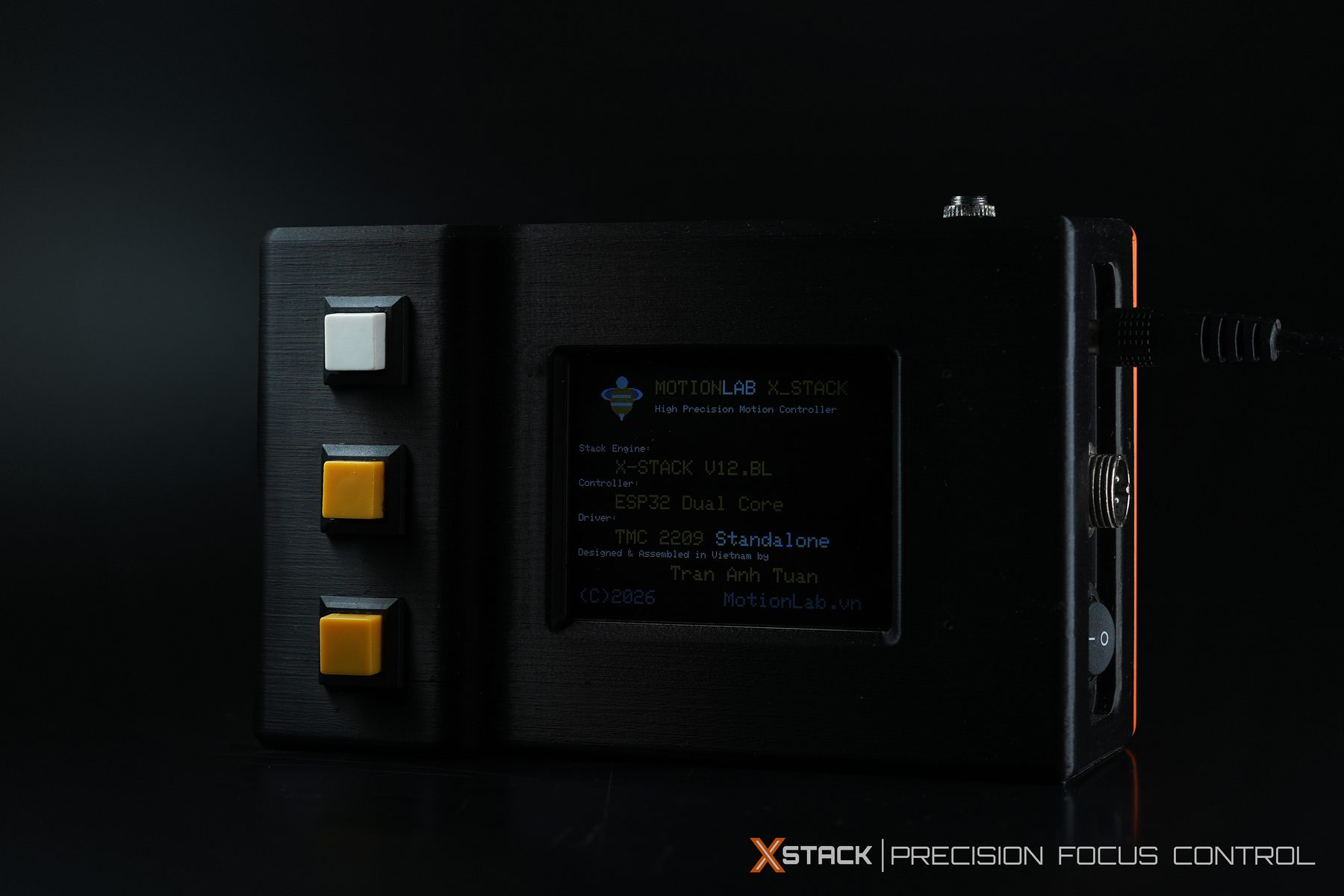
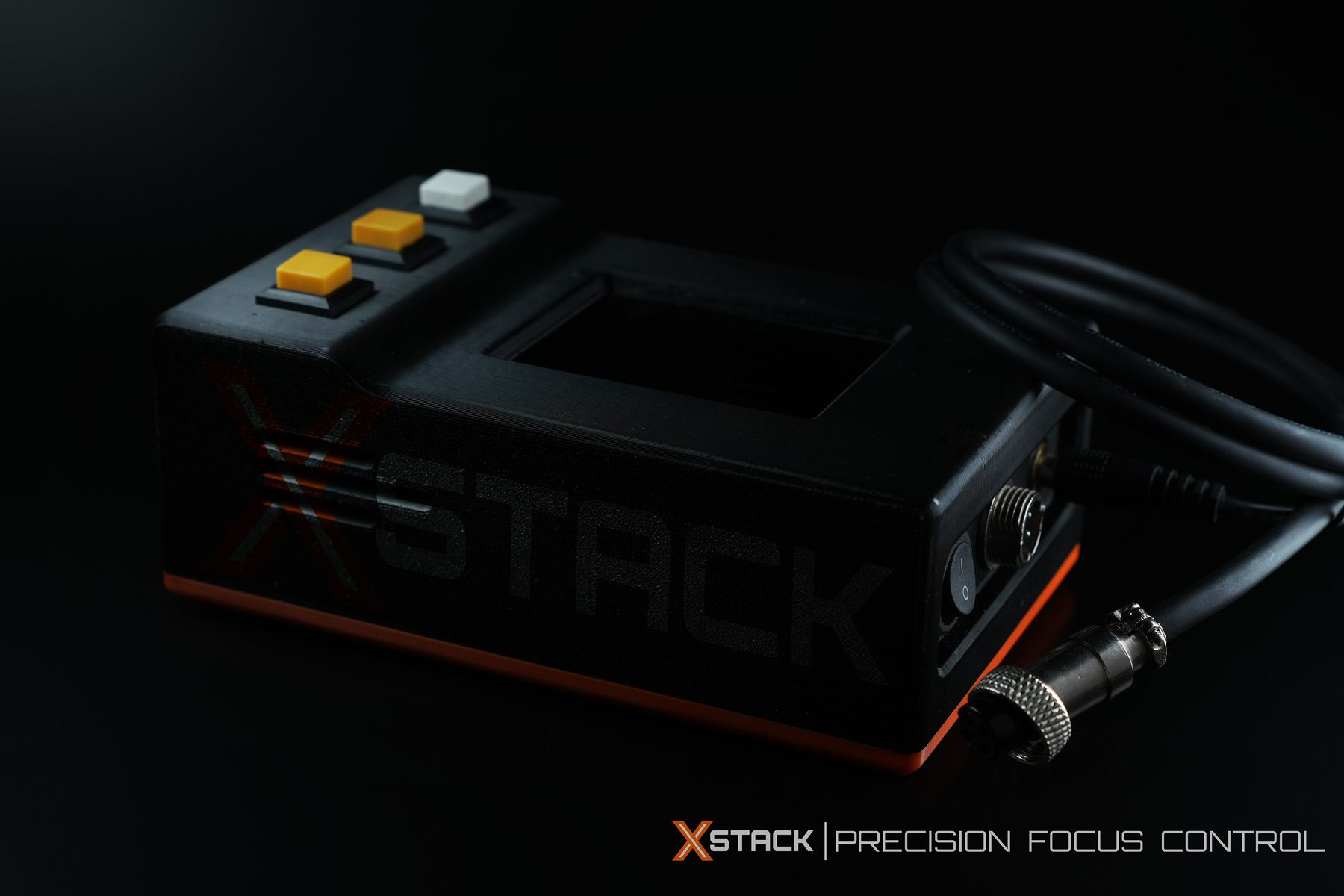
Every MotionLab controller ships on the same hardware platform. What it does is decided by the firmware you flash onto it — X-STACK or X-DROP.
Same hardware, two dedicated firmwares — pick the one that matches what you shoot.
◐ Easy Switch — change firmware, change the world.
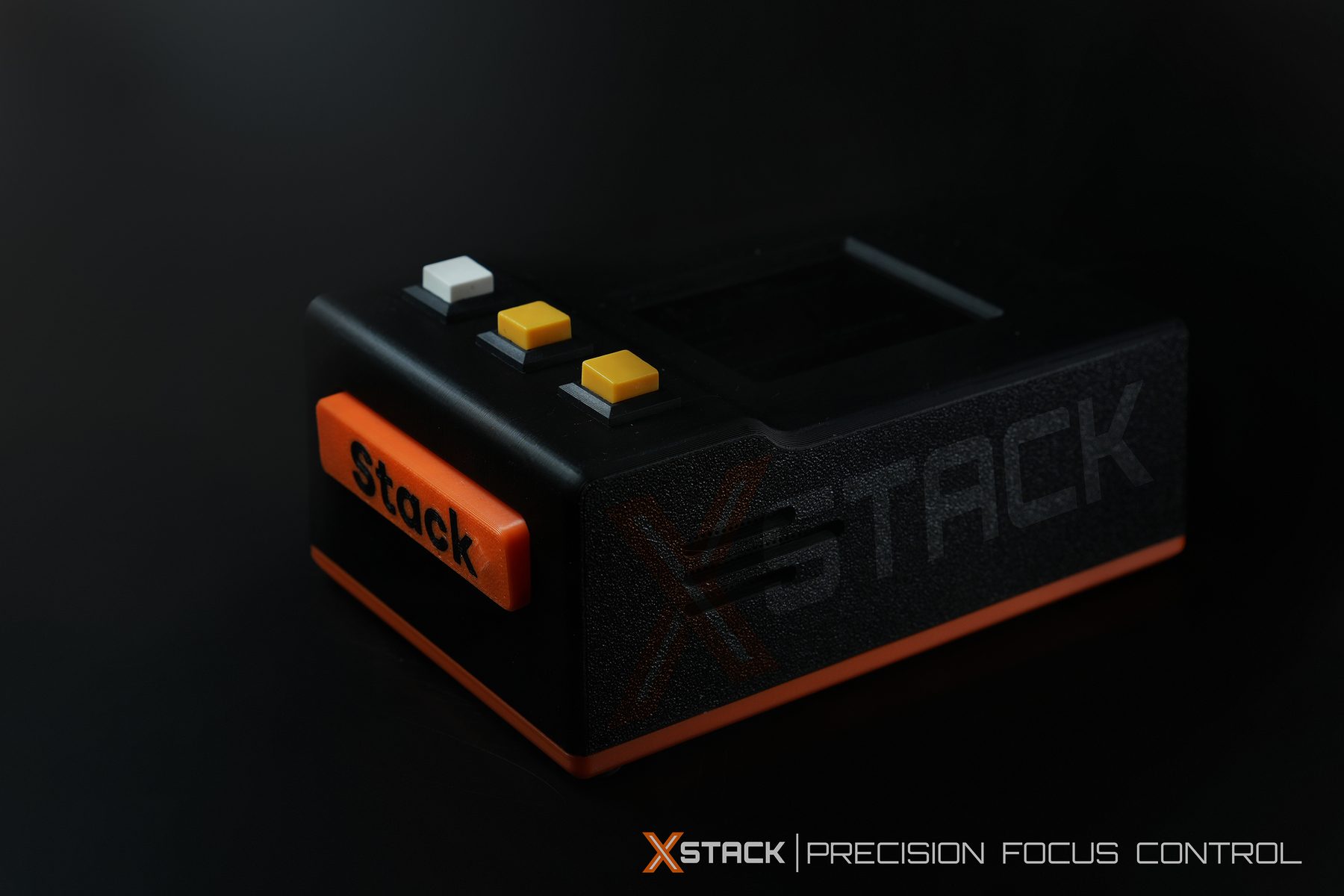
The standalone brain that drives your rail, motor and macro focus-stacking sequence. Fully customizable to different rail types, motors and axis configurations.
MotionLab Studio is an added control layer on top of X-STACK Controller, not a replacement for it.
| Capability | X-STACK Controller | MotionLab Studio + X-STACK |
|---|---|---|
| Rail / motor control | Yes | Yes |
| Works without a PC | Yes | No |
| Shutter trigger | Multi-brand, via cable | Through Controller |
| Sony BLE trigger | Yes, compatible bodies | Yes |
| ISO / aperture / shutter speed / WB | No | Sony |
| Live View | No | Sony |
| Histogram, Grid, Focus Peaking | No | Sony |
| Save images directly to PC | No | Sony |
| Multi-axis workflow | Depends on firmware | Auto-loaded by selected axes |
MotionLab Studio currently controls Sony cameras only, through the Sony Camera Remote SDK. Support for other brands will be added once integrated.
In MotionLab Studio, the workflow loads dynamically based on the axes you select — pick Z only and it behaves as Z-only; add R or X and it switches automatically.
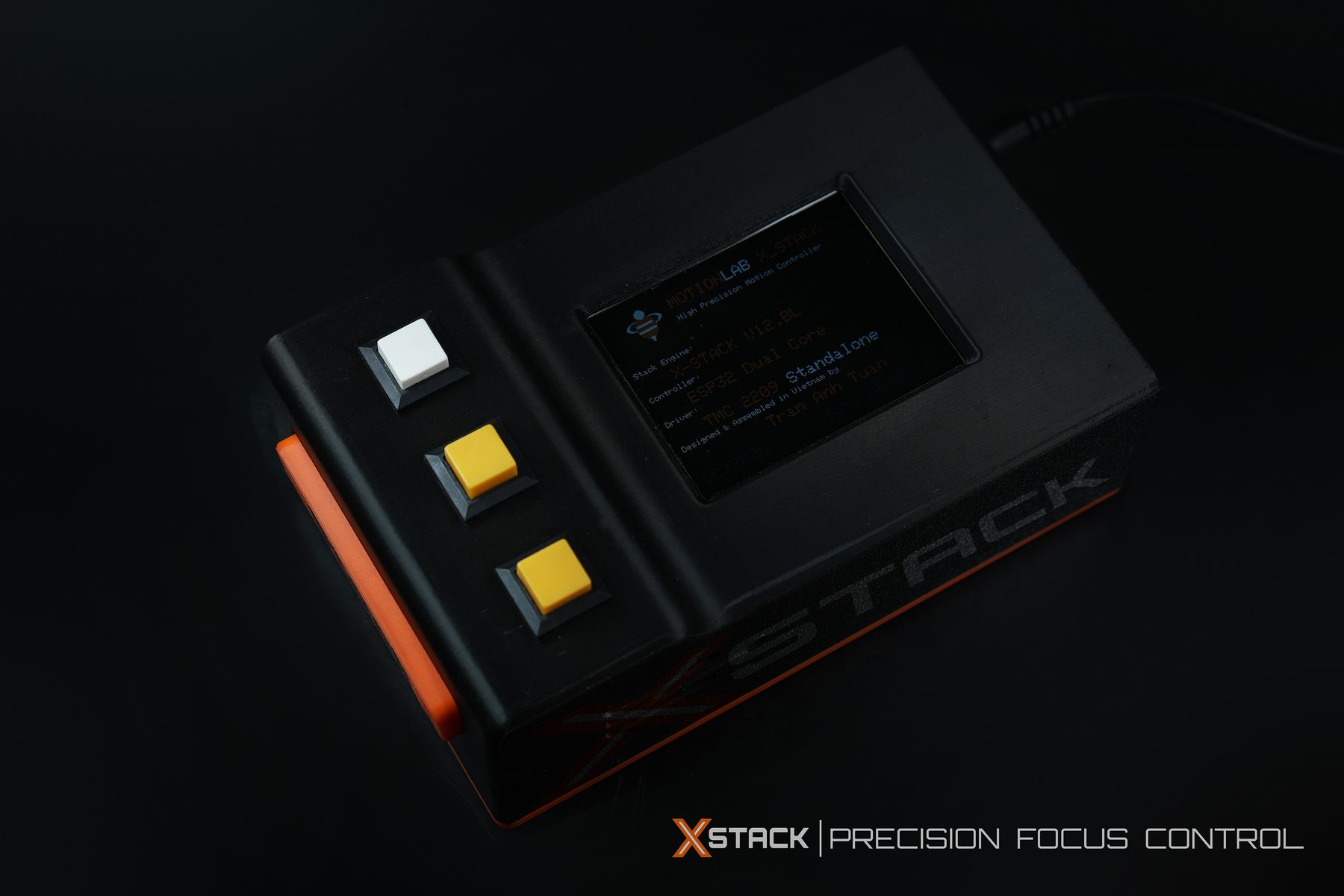
Connect phone to X-STACK WiFi, open browser and control in realtime.
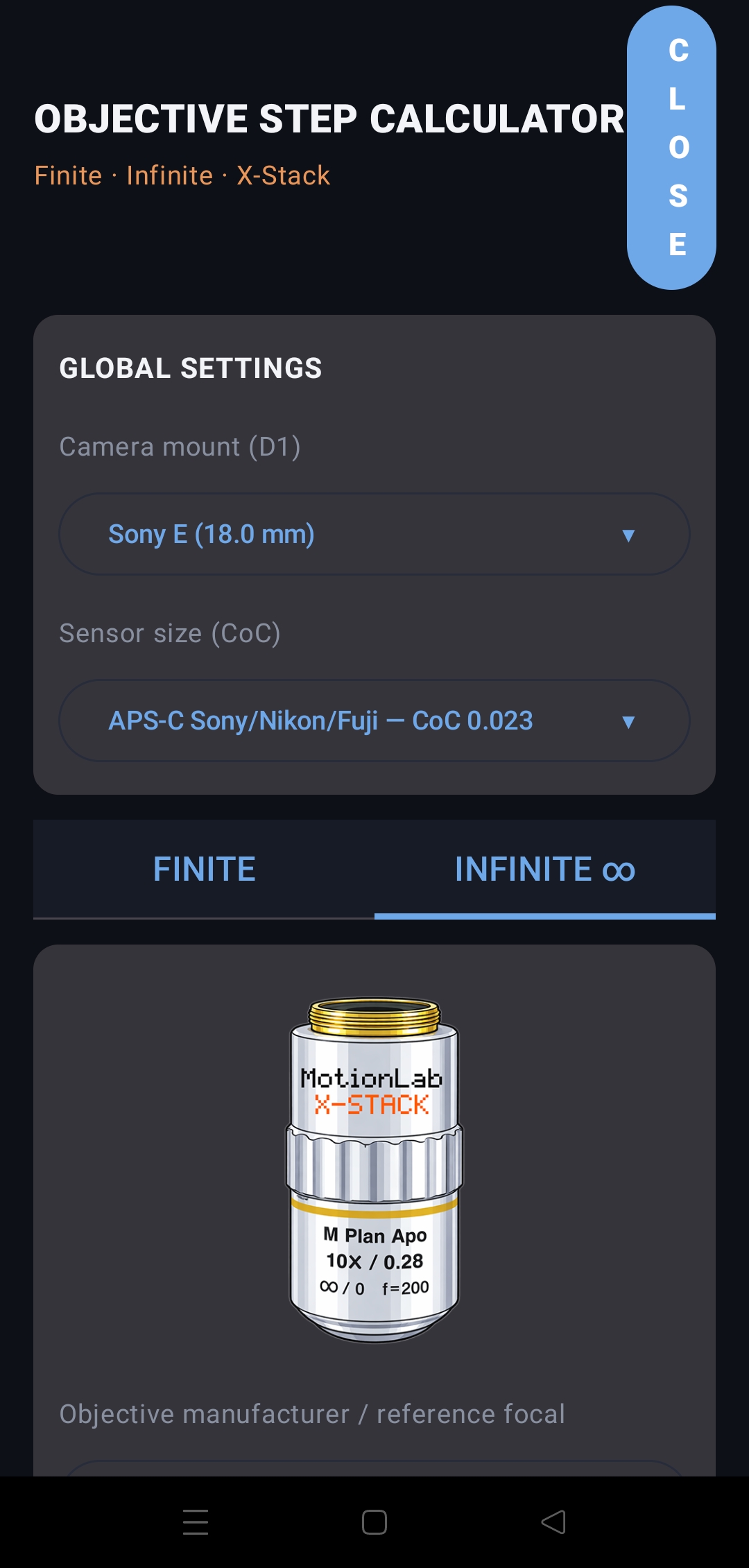
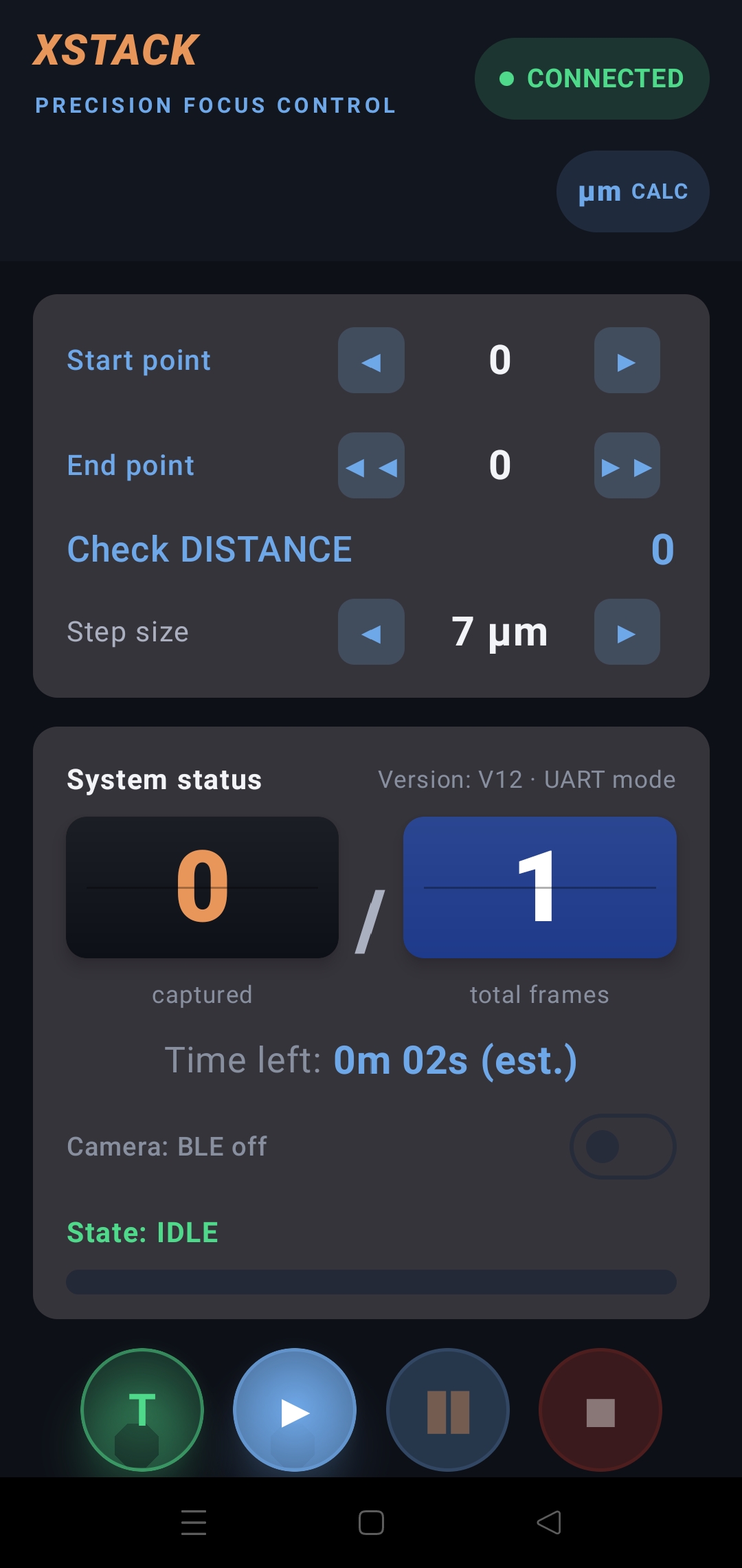
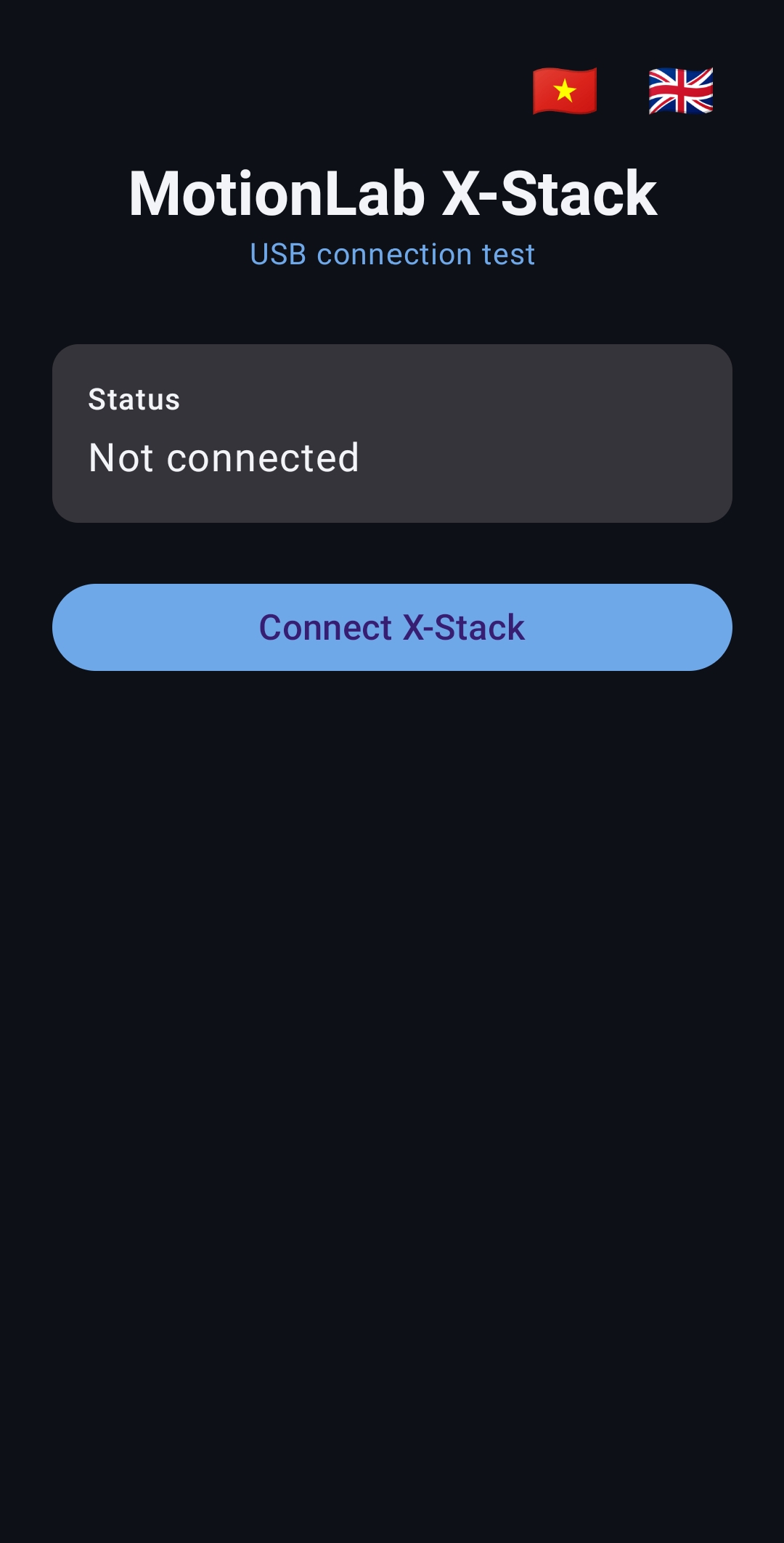
Control the rail directly from your phone over a USB cable — no Wi-Fi needed. Includes a built-in step calculator.
Same start/end point, step size and profile controls as the TFT and Web UI — wired straight to the Controller over USB for a stable link in the field. Bilingual VI/EN interface.
The same MotionLab controller, flashed with X-DROP firmware, becomes a dual-valve water-drop photography rig — timing every collision down to the microsecond.

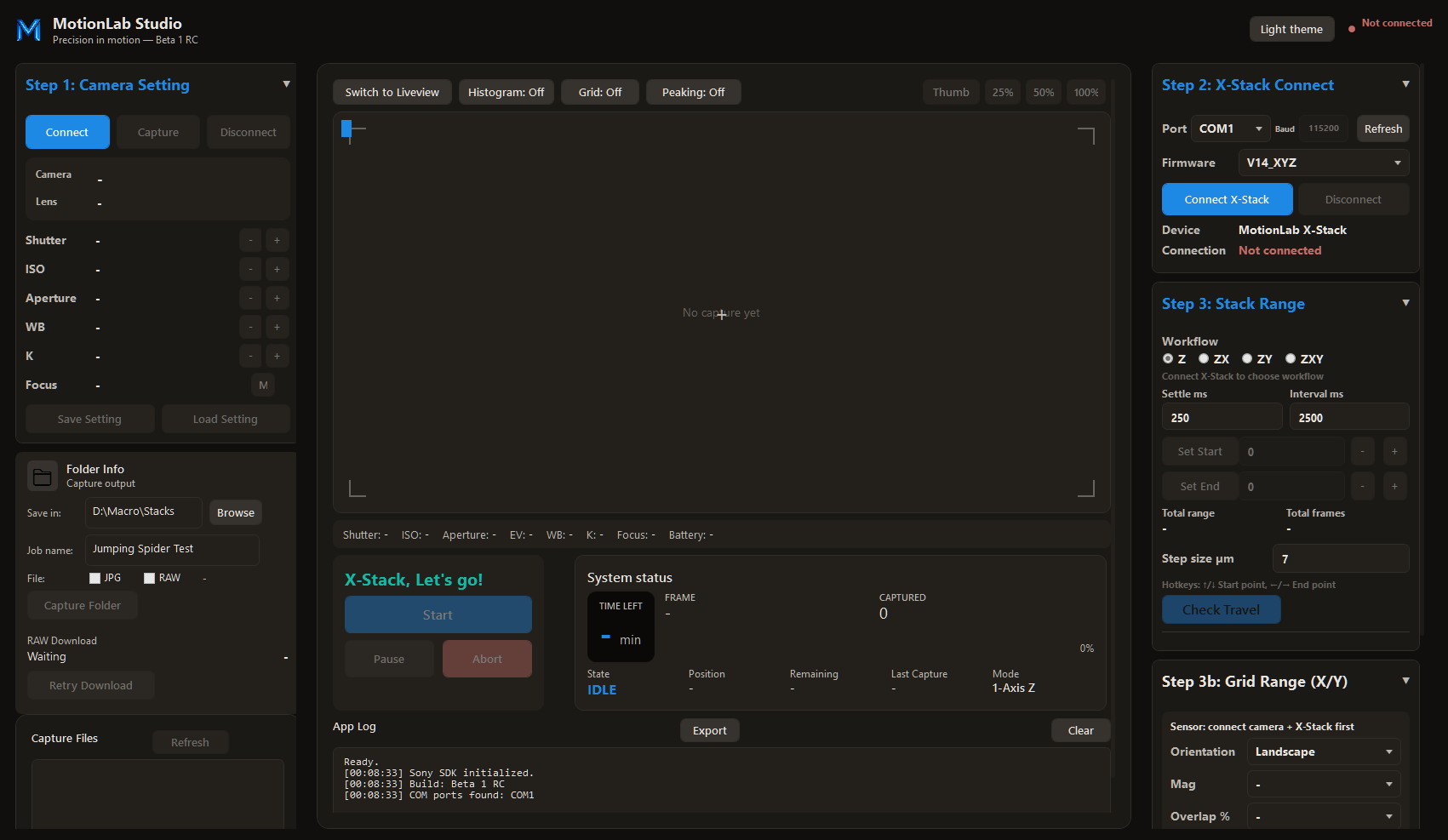
MotionLab Studio is the Web & Desktop app behind both firmwares — manage the device, flash firmware, and run the workflow, with full Sony camera control for X-STACK sessions.
Check Release StatusSony camera control is available today. Support for X-DROP-specific camera integrations and other brands will expand as MotionLab Studio develops.
Bilingual VI/EN user manual and official firmware. Only use firmware from motionlab.vn.
Full guide: stack setup, Sony BLE, OTA update, troubleshooting. Includes real TFT screenshots.
↓ DOWNLOAD PDFMotionLab Studio is currently in Beta RC. The public installer is not open yet — the download button will appear here once the release is ready.
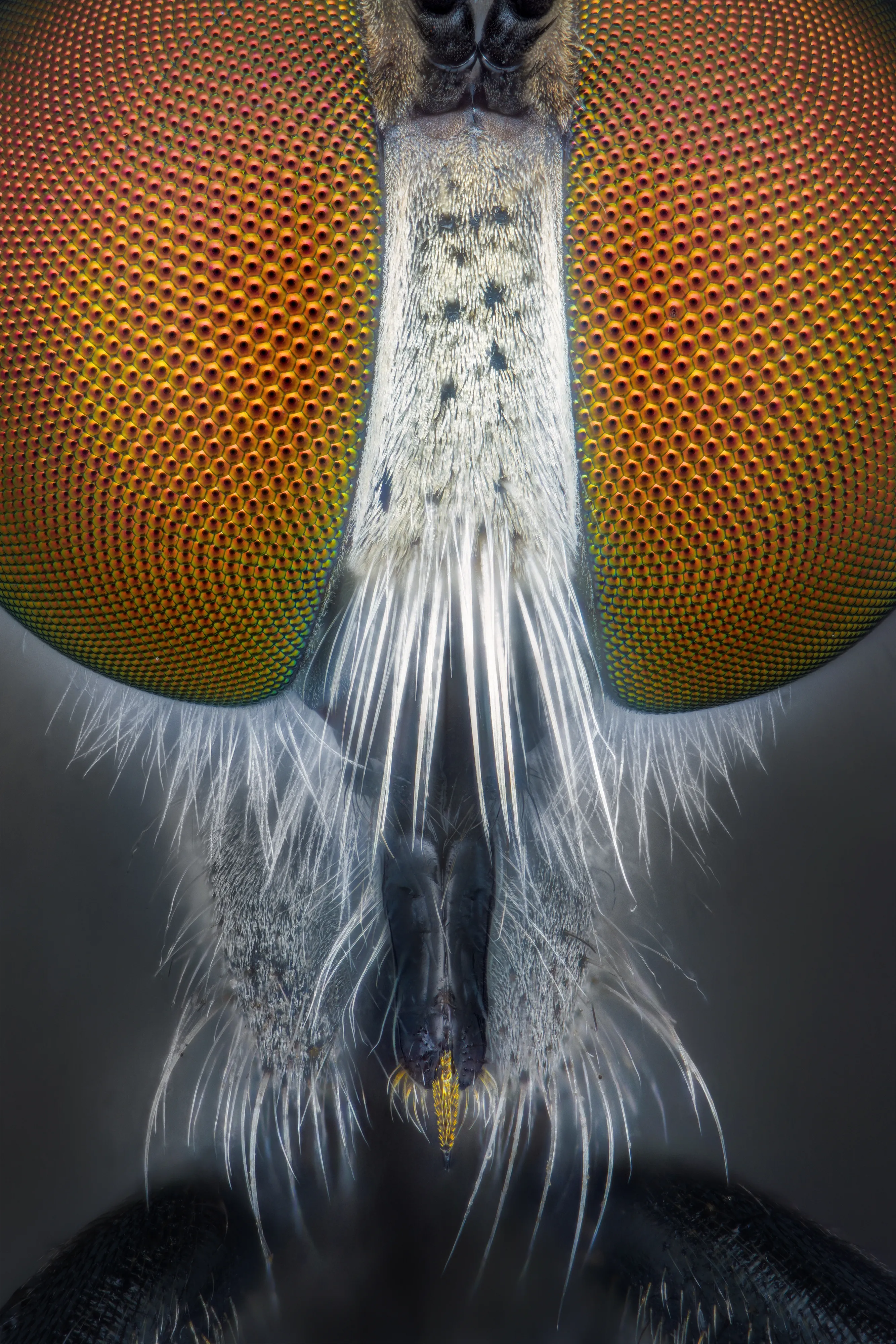
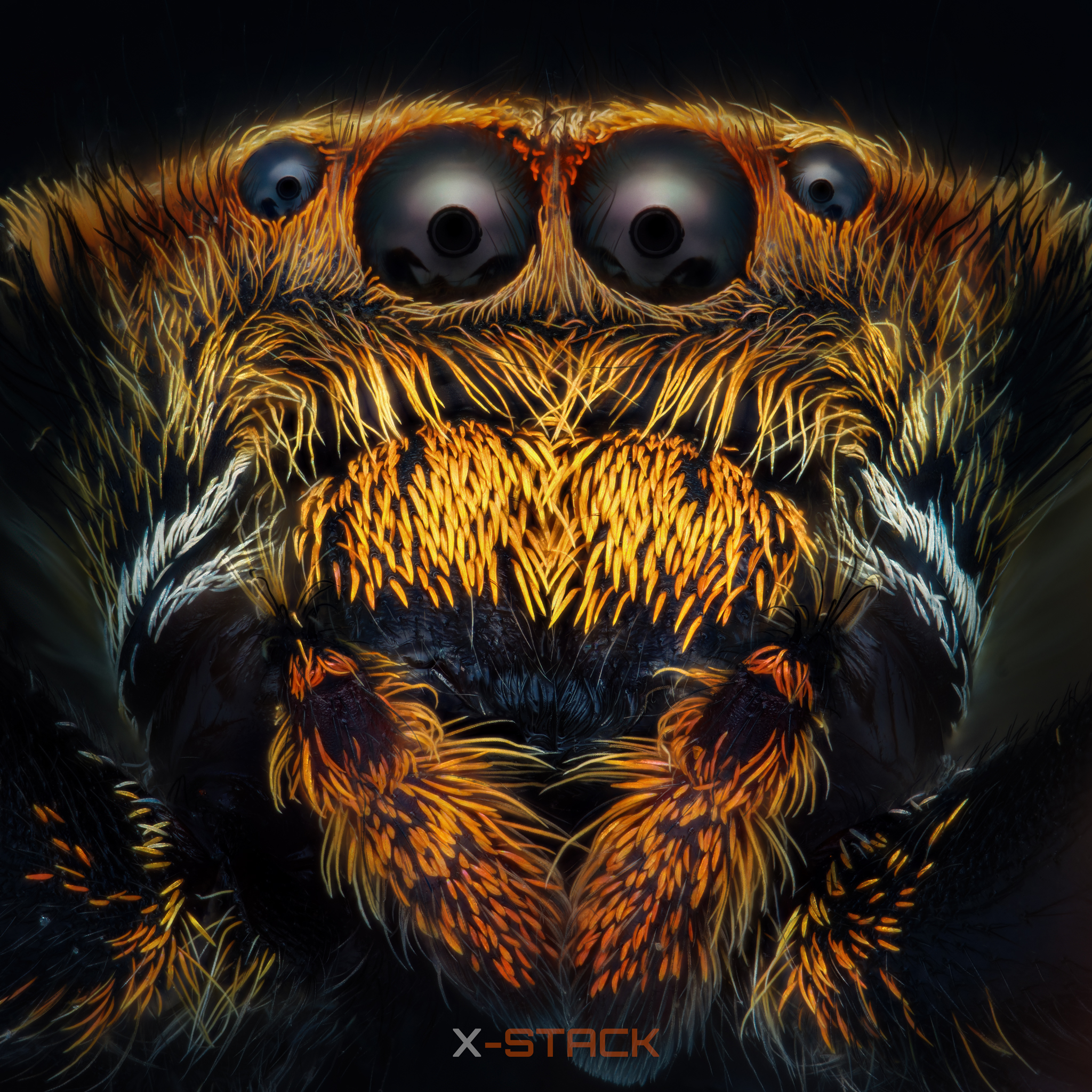
Real shots captured with X-Stack V12 BLU. Wireless Sony BLE trigger — no cable, no miss.
Masonry layout · lightbox · filter by subject